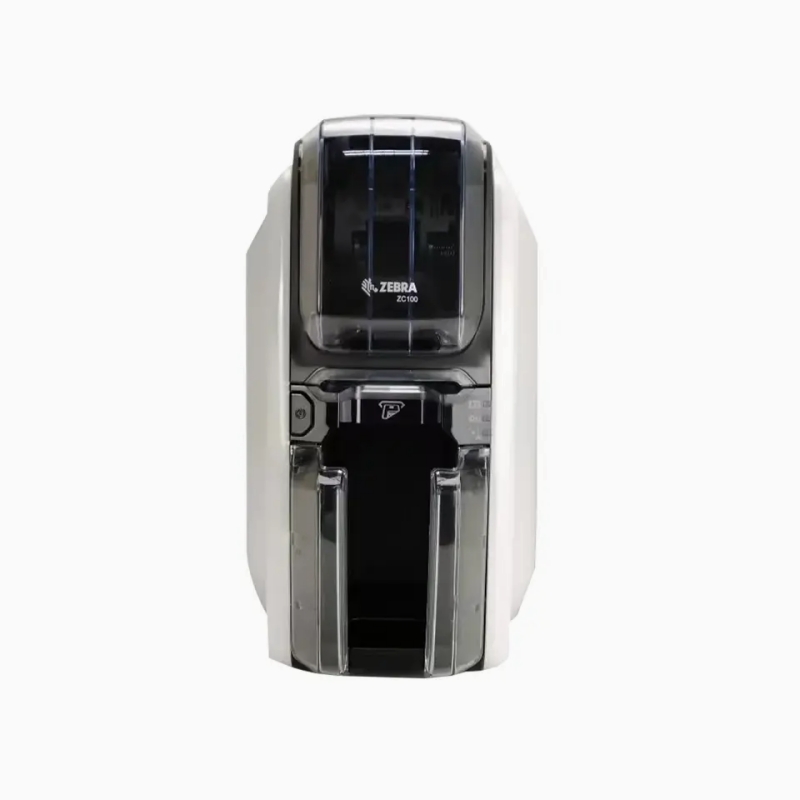
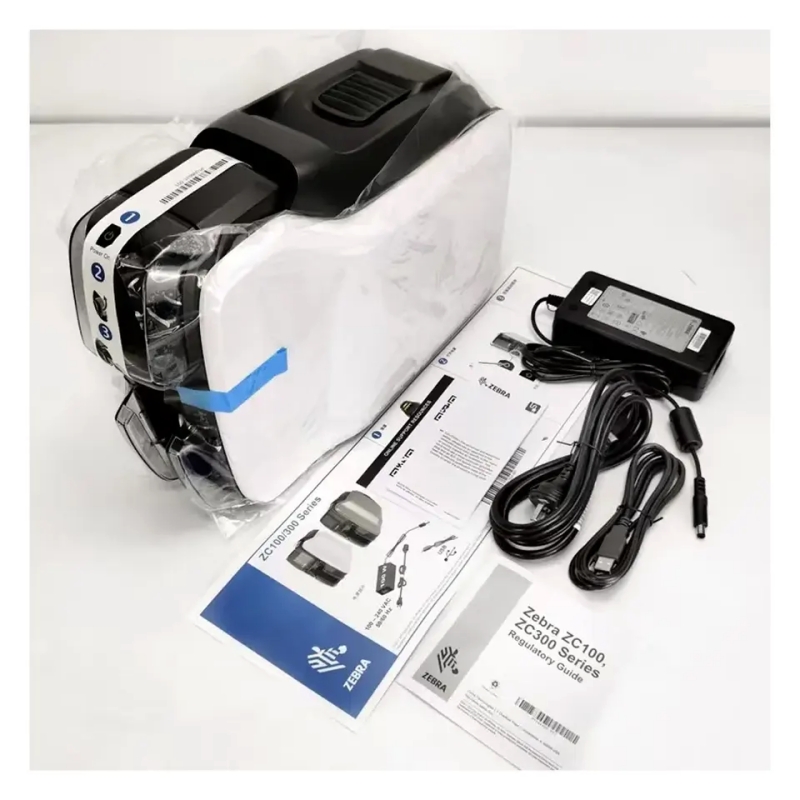
ELEGANTLY ENGINEERED FORGAME-CHANGING SIMPLICITY
Painless plug-and-play deployment
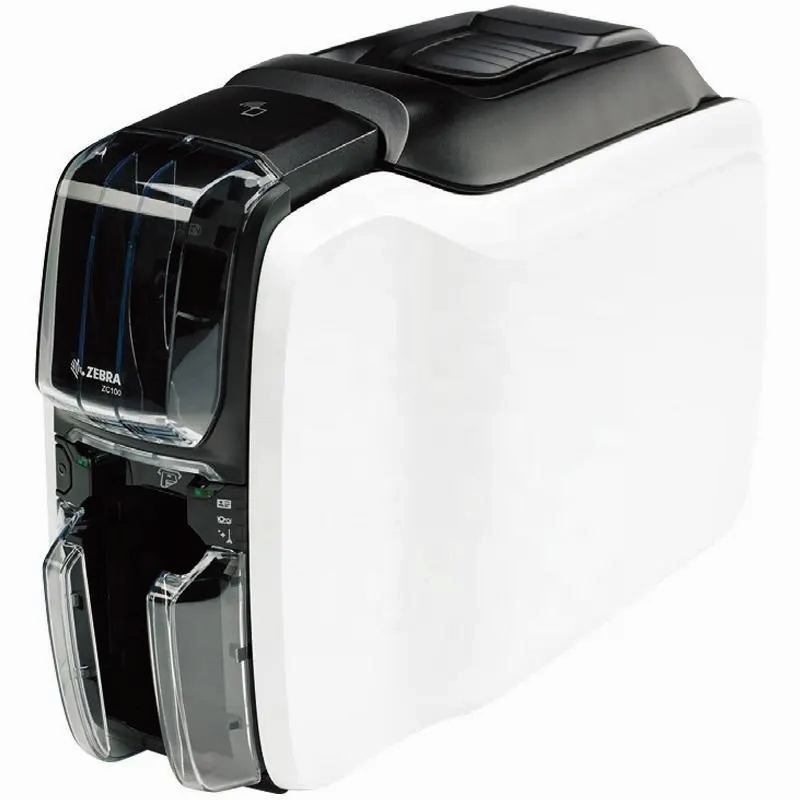
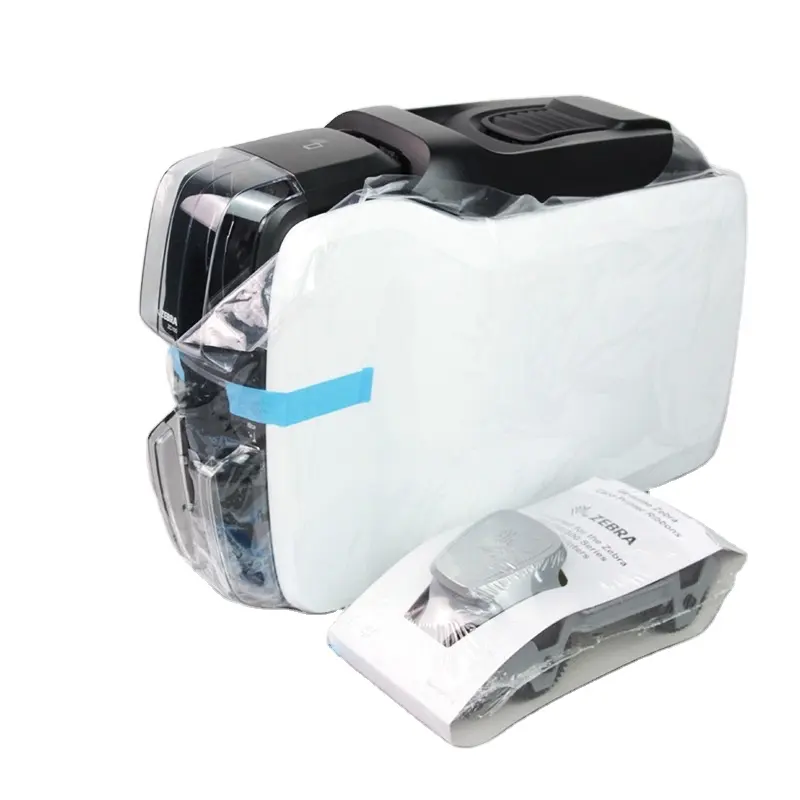
The ZC100 is designed to work rightout of the box. There’s no time-consuming complicated set-up – just plug it in and start reaping the benefits the day your printer arrives.
A new ingenious card feeder handles varying card thickness on-the-fly
The card feeder instantly adjusts to the thickness of each card – no more adjusting for different card stocks
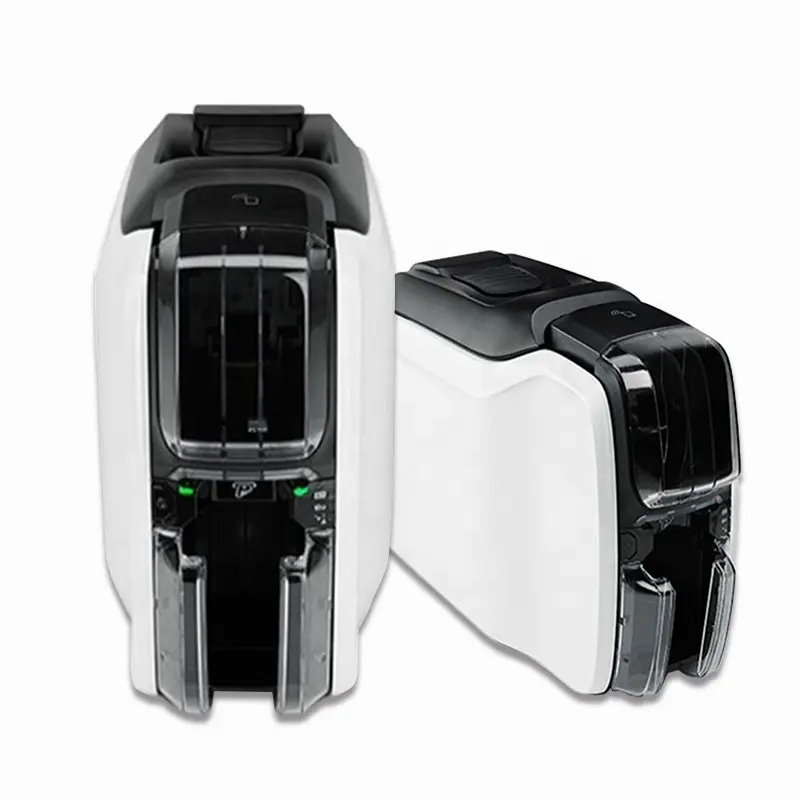
The most intuitive LEDs
With our well-tested intuitive icons, a quick glance is all it will take for your users to seethe status ofthe 7C100
Innovative new driver with
a graphical user interfaceThe intuitive interface in the newly-designed driver makes it easier than ever to print cards Settings are grouped logically into tabs where they are easily accessible with aclick. A visual display of your card allows you to instantly see how your card look sand how setting changes impact card design – eliminating the time and cost to epeatedly print test cards.
Revolutionary new hopper design
The completely re-designed hopper makes loading and unloading cards easier than ever With the saloon style output doors, there’s nothing to open -just grab one card or the whole stack of cards. And the input and output oppers have the same capacity, reducing the need to refill and empty the hoppers
Fool-proof ribbon changing
Changing a ribbon has never been so simple and uncomplicated -no instructions required Unlock and open the newly designed ribbon door latch in one motion. The unique door.handle style grip leaves no question about how to remove or insert the ribbon. The snug-fitdesign has no play or adjacent open areas, so there’s never a question about whether the ribbon is installed correctly and in the properplace. And with embedded smart chips, you aways know when to change the ribbon.
Effortless manual card feed
Manually feeding a card can be complicated we made it simple with a light pipe that guides the user through the manual feeding process, the same way that automatic teller machines guide users through their interaction
We speak your language
Workers can interact with the 2C100 in their native tongue with driver support for multiple languages – English,ltalian, Spanish,Portuguese (Brazilian), German, Polish.Russian, Simplified Chinese and Arabic
GROUND-BREAKING FITS EVERYWHERE’DESIGN
Good looks that fit in anywhere
Even though the ZC100 is built for business, it has the consumer good looks required to fit in customer facing areas, from the retail store to the hospital admission desk.
Sized to fit wherever you need printing
Your printer shouldn’t dictate where you can issue cards .it should fit wherever card printing is needed. From the minim a footprint and the slimmest profile to the lowest clearance in this printer class, the zC100 was designed to fit in the most possible places – including under a counter or shelf.
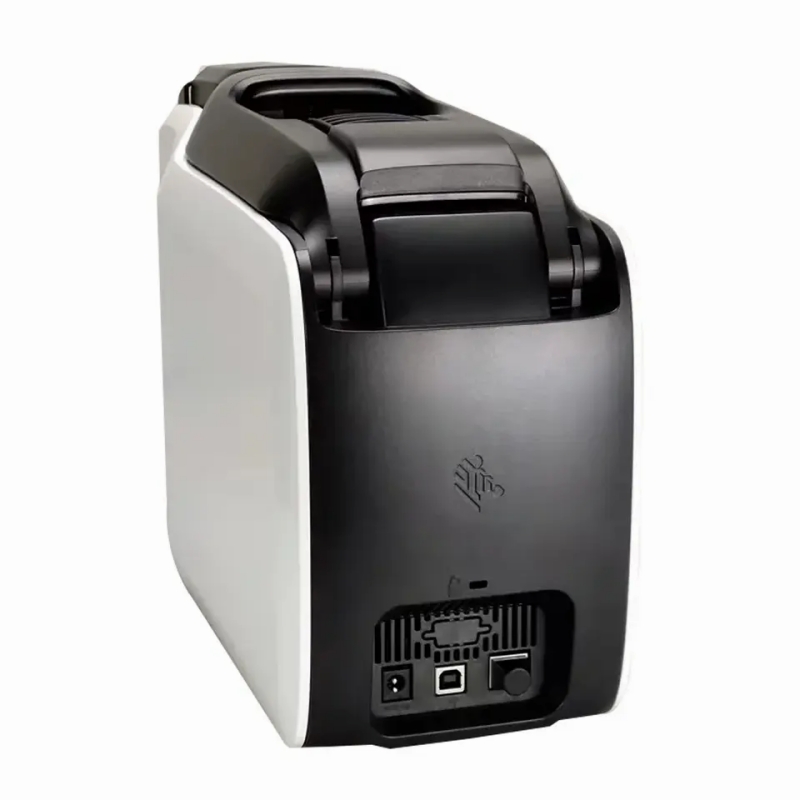
All the connectivity options you need
Connect to one computer through the onboard USB to create a stand alone printing station. Or add optional Ethernet or Wi-Fi to give evervone who needs card printing instant access, maximizing printer usage.And improve deployment flexibility with Wi-Fithe time and cost to run network cabling to your printers is eliminated.
Printer cover lock
The printer cover lock prevents the theft of card stock. providing the security required to install in public facing areas
ADVANCED SECURITY
Printer and host authentication
Advanced security features enable printer-to host authentication to prevent printing from unauthorized applications or devices.
AES data encryption
Government grade encryption protects the most sensitive data during printing such as account numbers.
FAST AND FLEXIBLE PRINTING
Fast single-sided color and
monochrome printing We took a good thing and made it better The ZC100 prints up to 30% faster inmonochrome and 15% faster in color than its predecessor, Zebra’s ZXP Series 1card printers.
Basic encoding options
Whether you are printing employee badges, ID cards, season passes and membership cards or credit and debitcards, you can choose the encoding option of your choice. Add a ‘swipe-and.go’ magnetic stripe when you print cards Or use the zlP Pocket with our new Software Development Kits (SDKs) to easily add a third party contactless encoder to create “pass through”
contactless cards.