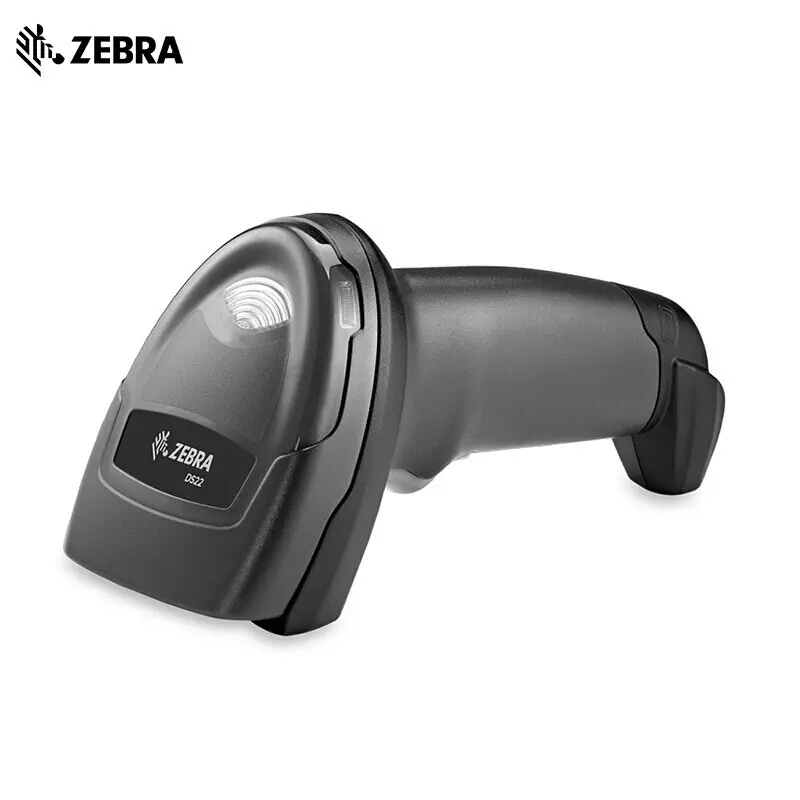
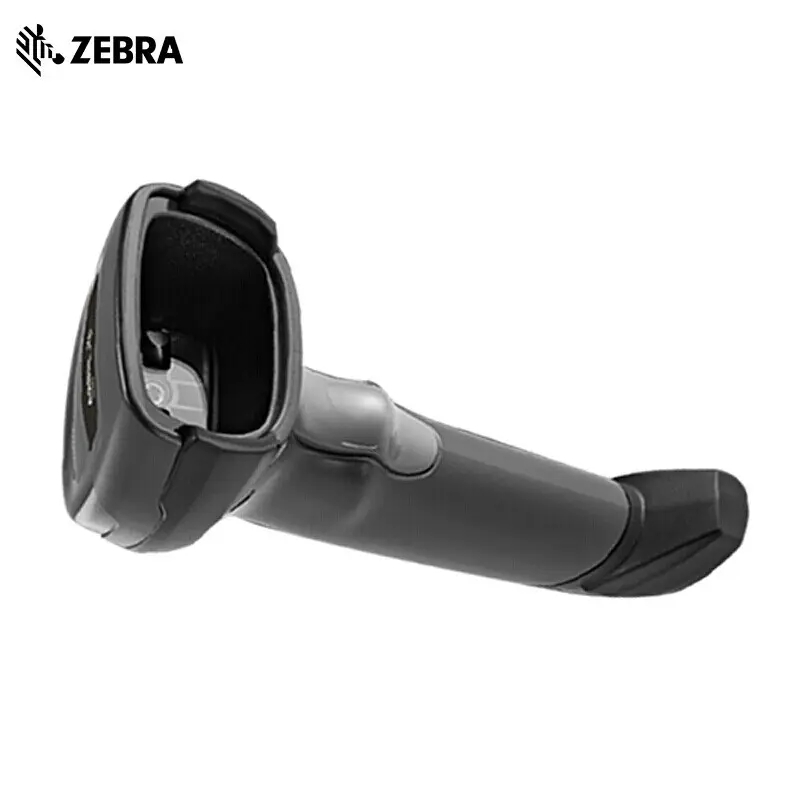
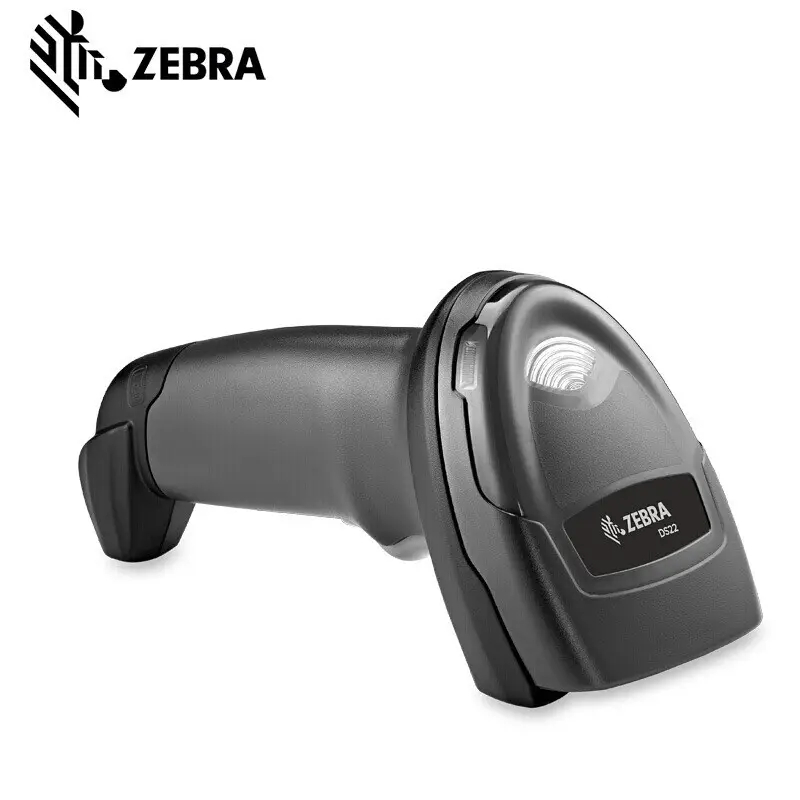
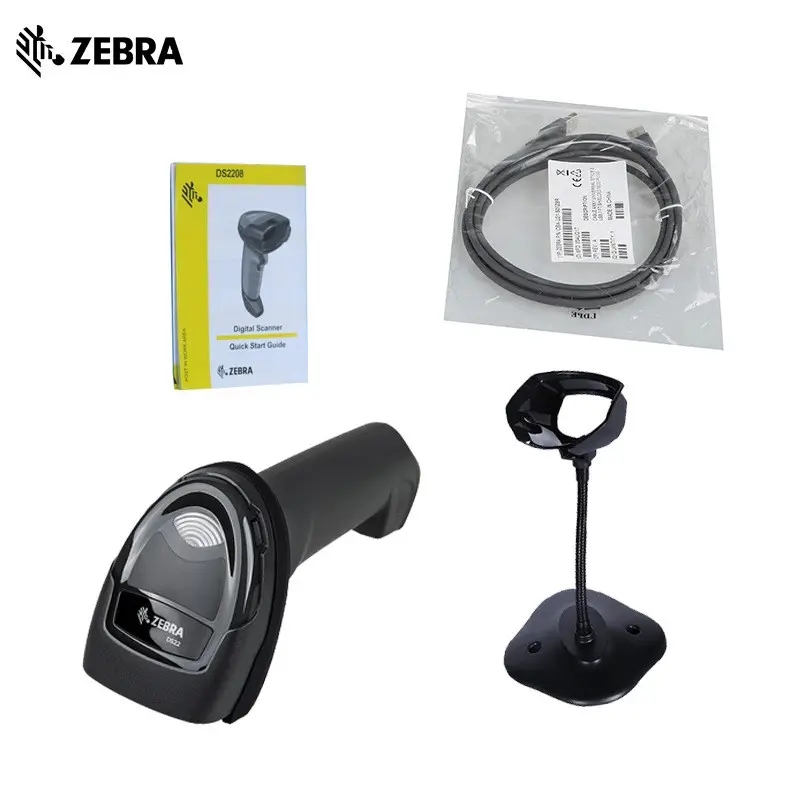
Easy to Deploy
Pre-Configured and Ready to Use, Right Out of the Box
Since the default settings are optimized for the majority of scanning applications, you can use the DS2200 Series imager the moment you take it out of the box – no configuration required..
Auto-Host Detect Cables Just plug the DS2200 Series into your Point of Sale (POS) and the auto-host detect cables will automatically identify the interface and connect the imager, simplifying and reducing setup time.
Easy Integration with a Tablet-Based POS
The DS2200 Series offers all the features you need to add high-quality scanning to your tablet-based POS. The Micro USB cable provides a low-cost charging alternative to a cradle. And with ours implified app development tools, you can easily configure and update the DS2200 Series right from the tablet.
Deploy Anywhere in the World
With over 90 international keyboards, the DS2200 Series is easy todeploy all around the world.
Easily Customize Settings with 123Scan
This complementary software tool is so intuitive that even a first time user can easily set up a DS2200 Series imager. The wizard.driven interface makes it easy to embed all settings into a single programming barcode, enabling you to configure your devices witha single scan.
Backwards Compatible with Zebra LS2208 Series Cables
lf you use Zebra’s 1D LS2208 scanners today, you can use the same universal cables with the DS2200 Series, allowing you toeverage your existing accessory investment to minimize the cost of upgrading to a 1D/2D imager.
Easy to Use
Instant Decoding with PRZM Intelligent Imaging
Only from Zebra, PRZM’s software decode algorithms for theDS2200 Series deliver superior performance on poor quality barcodes. The result is first-time, every-time scanning to help your workers improve productivity at the checkout counter.
Unsurpassed Scanning Range
Workers can scan barcodes across a wide range (0.5 in./1.23 cm to 14.5in./36.8 cm), improving checkout speed and reducing training time.
PointandShoot Scanning Simplicity
With omni-directional scanning, users never need to line up theimager and the barcode – unlike 1D scanners.
Patent Pending Technology for the Most Intuitive Aiming
The aim line is similar to the 1D scanners you have today, providingyour associates with a familiar experience. Additionally, the aimline guides users to scan at the ideal distance from the barcode -especially helpful when capturing wide barcodes.
Easiest Pairing on the Planet
With our industry-first Scan-to-Connect technology, your workerscan pair the cordless DS2278 with any Bluetoothe-enabled PC.tablet or smart phone in a single step.
Fast, Easy and Flexible Charging
Plug the imager directly into the host or any standard wall socket viathe Micro USB cable to charge the DS2278 in just an hour without the cradle. The Presentation Cradle, which provides hands-freescanning, charges the DS2278 in iust four hours. The Presentation Cradle charges the battery during use, so you can keep the scanner in service during charging. And since the Presentation Cradle doesn’t require a separate power supply, there are fewer laccessories to purchase and manage.
Unique Direct Decode Indicator lmproves Productivity
The illumination on the barcode flashes to indicate a good decodeso workers know instantly if the barcode was captured correctly regardless of how noisy the environment might be.
On-the-Fly Switching Between Handheld and Hands-Free Scanning
Regardless of whether your workers are using the corded DS2208or the cordless DS2278, workers can simply place the imager in itspresentation stand to automatically switch to hands-free mode – nochange of settings is required .
Guaranteed Full Shift Battery Power
With 14 hours of power, your cordless DS2278 imagers are alwaysavailable for use – no need to waste time recharging during thebusiness day.
Easy to Manage
Control Your Scanners From a Smartphone, Tablet or PC
You can easily control the beeper, LED and Symbology settings:display scanned barcode data, access model and serial number information and more from Windows, Android and iOS hosts
Eliminate Bluetooth Interference with Zebra’s Proprietary Wi-FiFriendly Mode
Ensure that your cordless DS2278
Bluetooth imagers only operateon channels that are not shared with your WLAN, protecting WLAN service levels for your workers and your customers.
A Battery Designed to Last
The long-lasting 2400 mAh Lithium lon battery in the cordlessDS2278 will likely never need to be replaced, reducing total cost of ownership and simplifying everyday management by eliminating the need to purchase and manage a battery pool.
No-Cost Tools to Meet Advanced Management and ApplicationDevelopment Needs
If you have lmagers in different locations, you can remotely manage them all with our Scanner Management Service (SMS) application.Need a custom scanning application Our Scanner Software Development Kits (SDKs) provide everything you need, including documentation, drivers, test utilities and sample source code for Windows, Android,ioS and Linux.