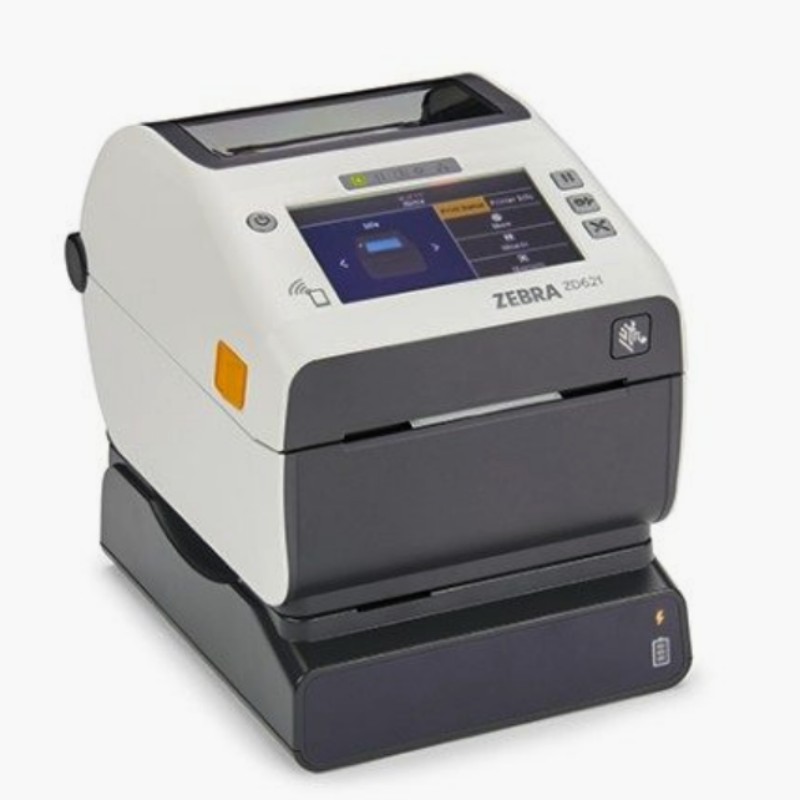
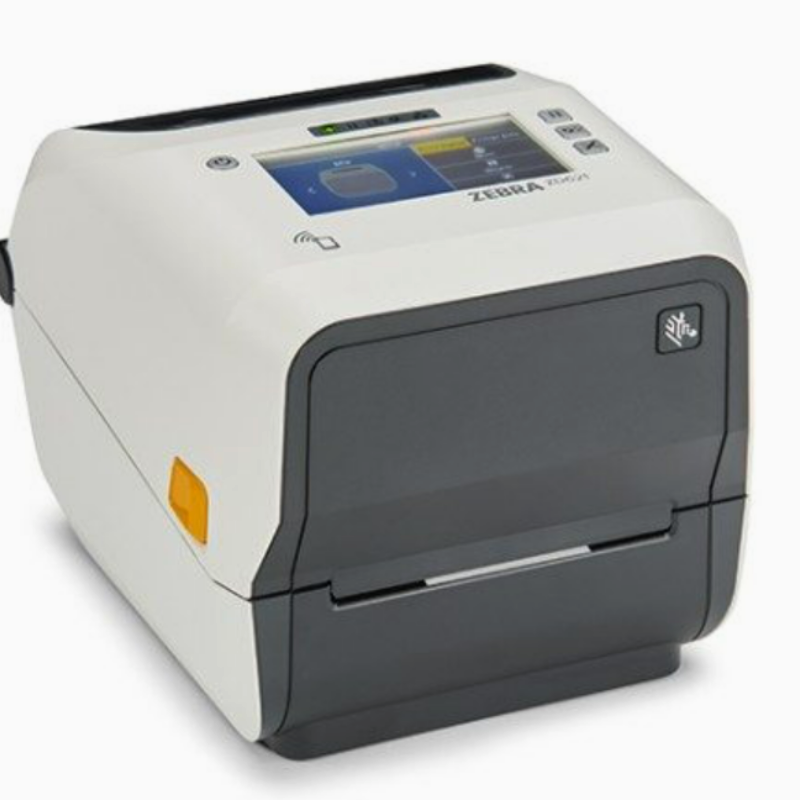
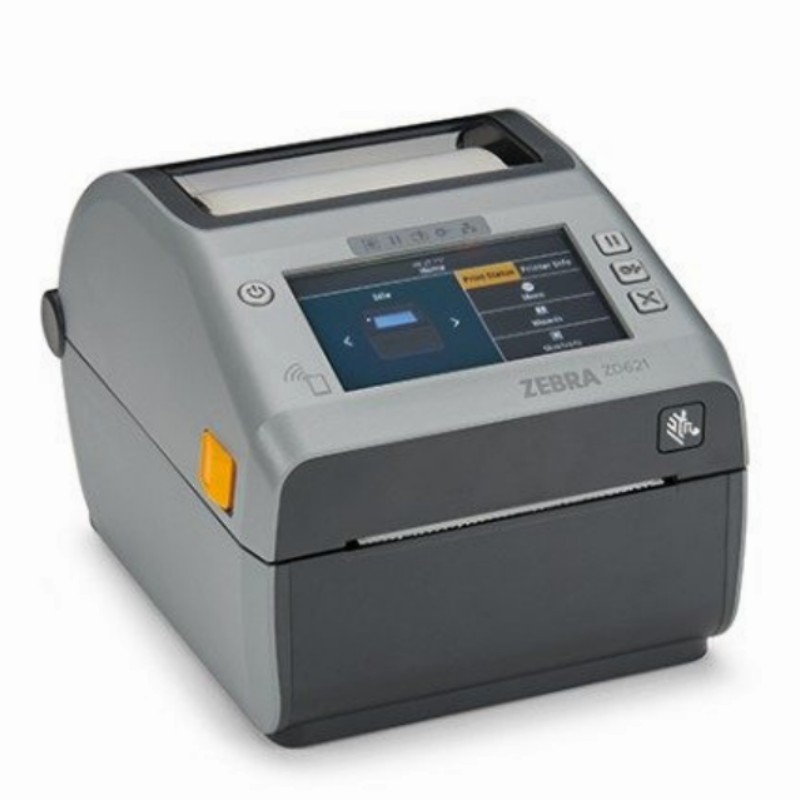
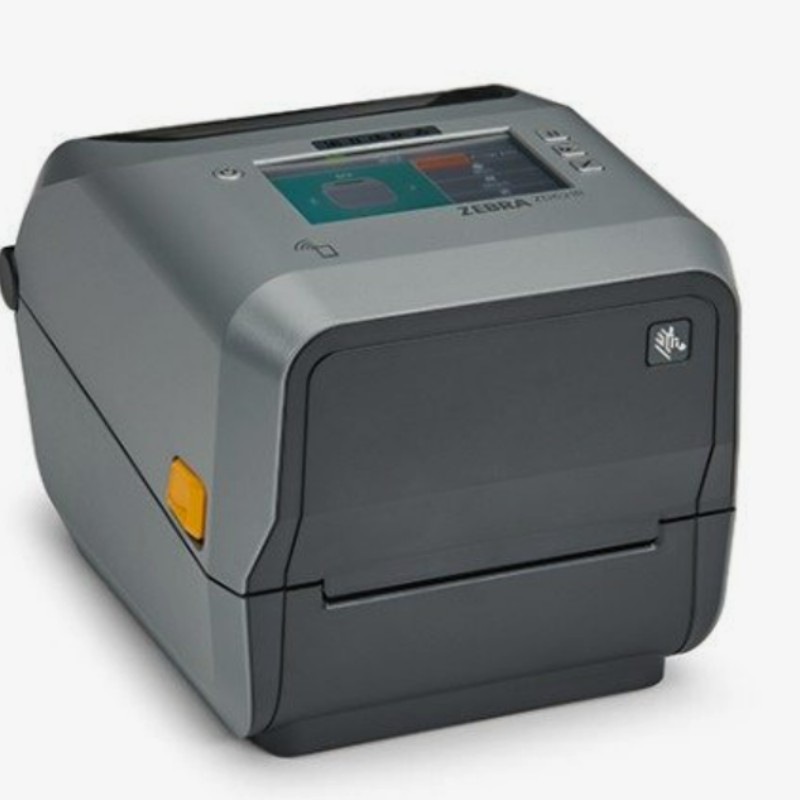
Standard Features
- 8 ips maximum print speed
- ZPL II® programming language
- Real Time Clock (RTC)
- Connectivity: 10/100 Ethernet, Serial.USB 2.0.USB Host
- Printer setup mobile app for Android” & iOSvia Bluetootho Low Energy (BLE) connectionBLE is best used for printer setup and lightdata transfer events. For bestperformance when printing, use a printerwith Bluetooth Classic.For additional information see theapplication notes here
- Media Dancer for excellent print quality
- EPL1™ Line Mode/EPL2™ programming language
- Connectivity: USB and USB Host
- Direct thermal and thermal transfer printing ofbarcodes, text and graphics
- 512 MB of Flash memory
- 256 MB SDRAM
- OpenACCESS™ design for easy media loading
- 203 dpi print resolution (8 dots/mm)
- 4.09 in. (104 mm) print width
- Direct Thermal printing of barcodes, text and graphics
- Head-up sensor
- Multi-position transmissive and full-width reflective sensor
- 5 in outside diameter media capability
- Fan-fold media feed slot
- Link-OS®-enabled
- Unicode compliant for multi-language printing
- 16 resident expandable ZPL II® bitmap fonts
- Two resident scalable ZPL fonts
- Multiple DOS and Windows® codepage support
- Windows drivers
- Printer utilities
- Linear & 2-D barcode symbologies
- PDF Direct
- ENERGY STAR certified, meets Energy Efficiency Level VI
- Two-year standard warranty
Optional Features
- Color LCD (480x 272 resolution), 5 status icons, 13-button userinterface
- 300 dpi print resolution (12 dots per mm)
- Field installable cutter:– Continuous paper, linered label and tag stock Note: Cutting through labels and liner is not supported– Maximum thickness 0.0075” (0.1905 mm)
- Field installable dispenser (peeler) – Label peel and present with label taken sensor
Accessories
- ZKDU” – keyboard display unit for ZPL
- Mounting adapter plate
- Optional media core adapters are available to accommodate 1.5”, 2″ and 3″ ID core sizes
- Attached power supply
Connectivity Options
- Field-installable wireless – Wi-Fi certified 802.11ac and Bluetooth 4.1; MFi-certified(Apple)
Software
- Zebra Print DNA software – includes a full suite of applications, utilities and developer tools. For more information, visit here.
- Zebra Basic Interpreter 2.0 (ZBl) allows programs to run directly on the printer
- Set-Get-Do commands to set and getprinter configuration details
- ZPL Il – Universal language for Zebra printers. Simplifies label formatting and enables format compatibility with existing systems that run Zebra printers
- EPL2 – Eltron Programming Language simplifies label formatting and enables format compatibility with legacy applications
- EPL1_ Line Mode available on direct thermal, 203 dpi model only
- Web View – Connect and control Zebra barcode printers via the printer’sweb interface using a common Web browser (ZPL mode)
Media Specifications
- Media Width:ZD621t – 0.585 – 4.65 in. (15 – 118 mm)ZD621d – 0.585 – 4.25 in.(15 – 108 mm)
- Label Length:Minimum 0.25 in. (6.4 mm – tear)Minimum 0.5 in. (12.7 mm – with cutter)Minimum 0.5 in. (12.7 mm – with peeler)Maximum 39 in.(991 mm)
Core inner diameter: Standard – 0.5 in./12.7 mm, 1.0 in./25 mm.o With optional adaptor kit – 1.5 in./37.1 mm.2.0 in./50.8 mm, 3 in./76 mm - Max Roll Outer Diameter: 5.00 in. (127 mm)
- Media Thickness: 0.003 in.(0.08mm) min,0.0075 in.(0.1905mm) max
- Media Sensing: gap, black line, notch
- Media Type:Roll-fed or fan-fold Label stock (die cut or continuous, direct thermal or thermal transfer Tag stock (die cut or continuous, direct thermal or thermal transfer)Receipt paper (continuous, direct thermal)Wristband stock (direct thermal or thermal transfer)
ZPL Programming Language (ZPL/ZPL II)
- Communicates in printable ASCII characters
- Compatible with mainframe, mini and PC hosts
- Downloadable objects include graphics and bitmap fonts, label templates and formats
- Automatic memory allocation for format while printing
- Automatic serialization of fields
- Format inversion (white on black)
- Mirror-image printing
- Four position field rotation (0º, 90º, 180º, 270º)
- Slew command
- Programmable label quantities with print, pause
- Status messages to host upon request